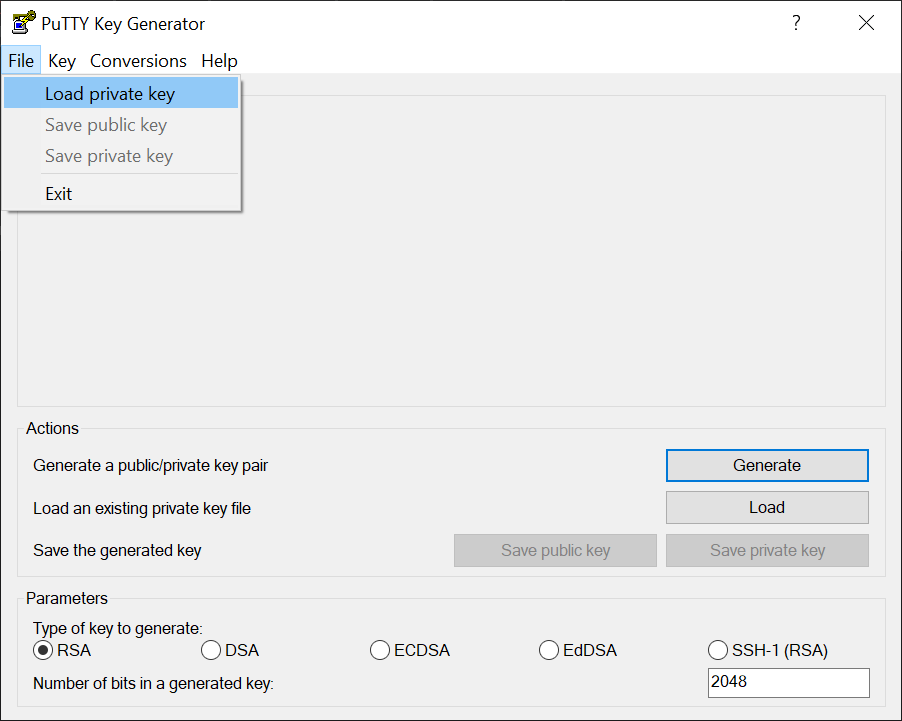
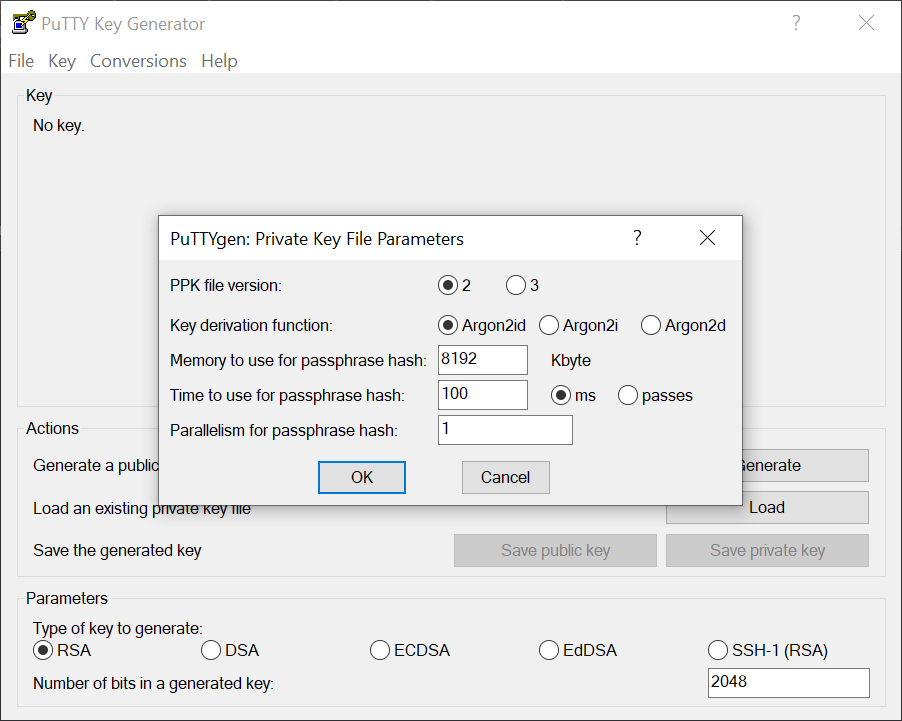
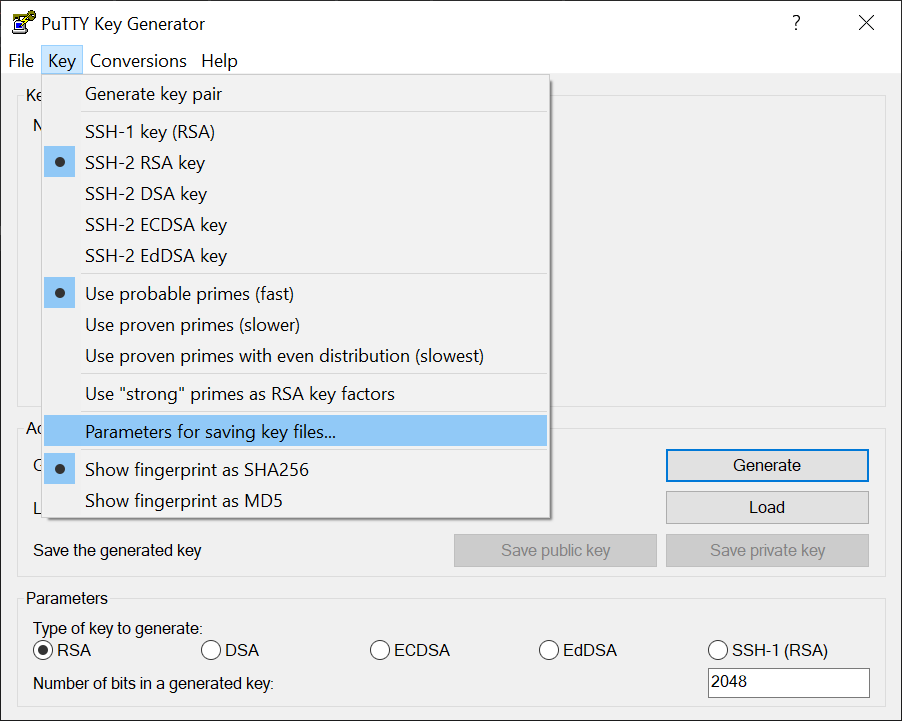
ssh-keygen -t ed25519 -C “example”
*.pub -> .//authorized_keys auf Ziel
priv key
Just another WordPress site
ssh-keygen -t ed25519 -C “example”
*.pub -> .//authorized_keys auf Ziel
priv key
https://en.wikipedia.org/wiki/Comparison_of_Fritz!Box_devices#
20002008 – AVM FRITZ!Box 7590 FZ – 1&1
20002814 – AVM FRITZ!Box 7590 A/CH – Link
20002784 – AVM FRITZ!Box 7590 (VR) – link
20002998 / 20002999 – AVM FRITZ!Box 7590 AX, ohne ISDN – link
20003022 – AVM FRITZ!Box 7590 AX, ohne ISDN A/CH – link
20002929 – AVM FRITZ!Box 7590 AX, mit ISDN – link
20002804 – AVM FRITZ!Box 7590 International – link
20002873 – 7590 BX – NetCologne / NetAachen
Setting up Bacula for daily backups involves several steps, including configuring the Director, the File Daemon (FD), the Storage Daemon (SD), and scheduling the backups. Here’s a basic outline of the process:
bacula-dir.conf file to define your file sets (what you want to backup), job definitions (how and when backups should run), schedules, and storage destinations.bacula-fd.conf file. This daemon is responsible for sending the data to be backed up to the Storage Daemon.bacula-sd.conf file. This daemon performs read and write operations to your backup storage media on behalf of the Director.Here’s a basic example of what a daily schedule might look like in the Director configuration:
|
1 2 3 4 |
Schedule { Name = "DailyBackups" Run = Full daily at 22:00 } |
This configuration would run a full backup every day at 22:00 (10 PM).
Remember, Bacula is a complex tool with many options and configurations. The specifics of your setup will depend on your environment and your backup needs. It’s highly recommended to refer to the Bacula documentation for detailed instructions and advanced configurations.
Generic x86-64 – Home Assistant Operating System
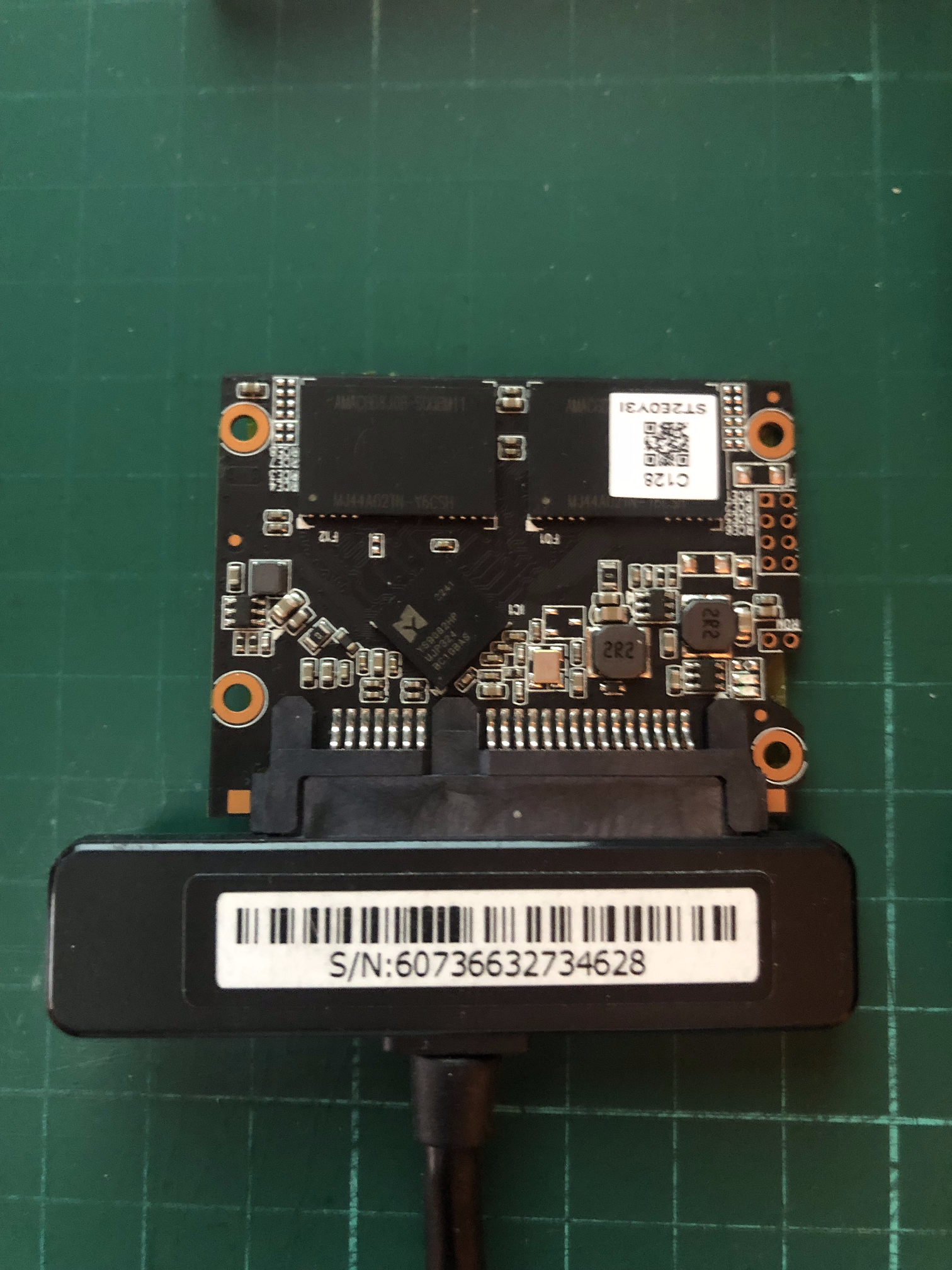
Live Linux und Balena Etcher Installation auf HD funktionierte nicht.
SSD an Win PC mit Adapter angeschlossen. (Amazon Link)
Innerhalb der VM
|
1 2 |
sudo nala install dracut-config-generic dracut-network sudo reboot |
|
1 2 3 |
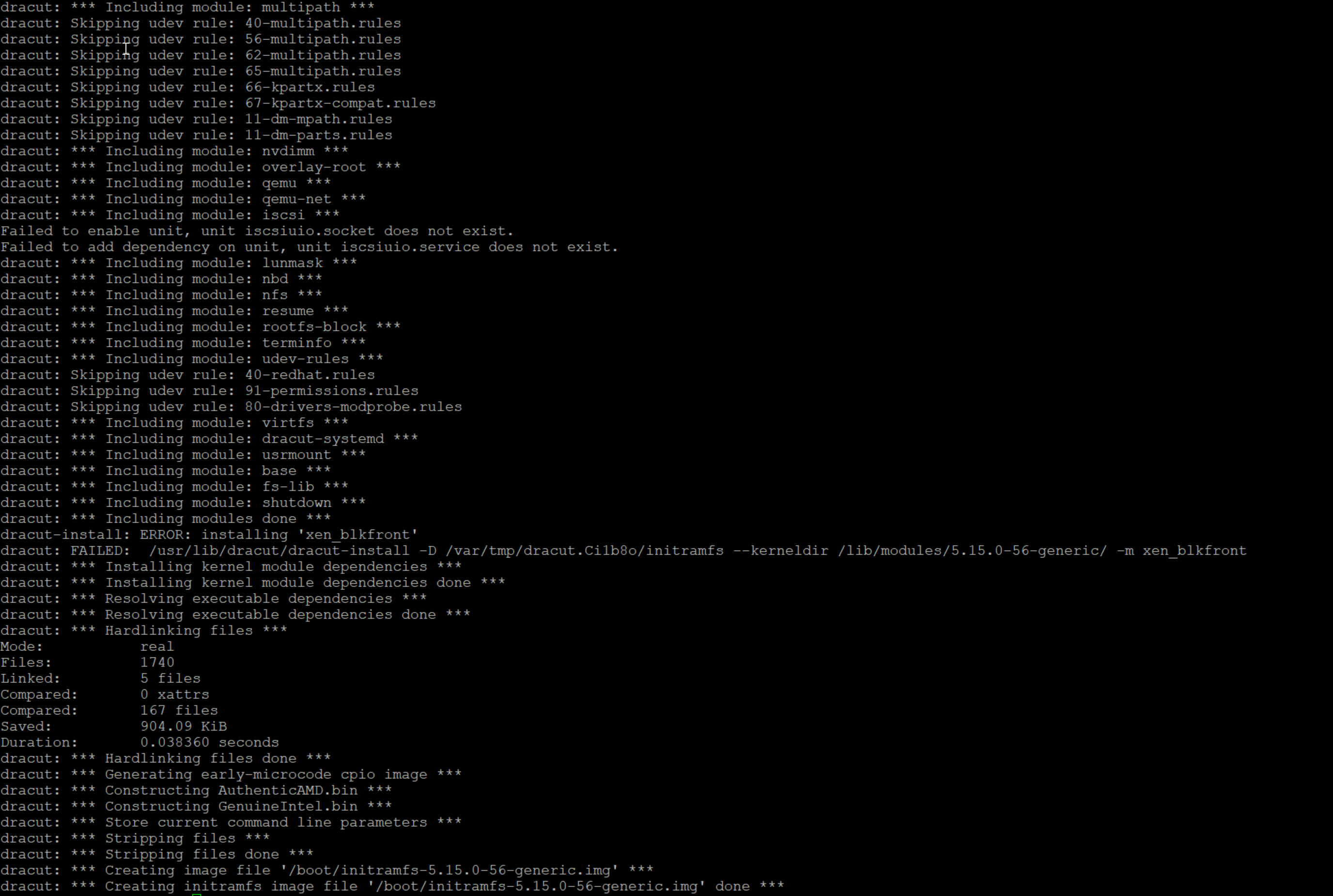
sudo dracut --add-drivers xen-blkfront -f /boot/initramfs-$(uname -r).img $(uname -r) sudo dracut --regenerate-all -f && sudo grub-mkconfig -o /boot/efi/EFI/ubuntu/grub.cfg sudo shutdown |
Fehlermeldung es würde keine php Version >7.4 unterstützt
Dann Fehlermeldung Memory_limit erreicht.
cd /opt/plesk/php/7.4/etc/

cat php.ini | grep memory_limit

nano php.ini
128M -> 512M
sudo -u www-user /opt/plesk/php/7.4/bin/php updater/updater.phar
mehrfach hintereinander ausführen bis die Meldung “No update available” erscheint
Linksammlung: