My OPNsense firewall was still on 25.7.11_9, while the firmware page offered 26.7.7. That is two major releases in one go: 26.1 moved ISC DHCP out of the core, and 26.7 switched the base system from FreeBSD 14.3 to 15.1 and OpenSSL from 3.0 to 3.5. To make it more interesting, the box was installed on UFS years ago, so there was no ZFS boot environment or snapshot to roll back to. This post covers what changed, what I cleaned up beforehand, how the upgrade went and what the logs said afterwards.
Firewall
Country-based geoblocking in NPMplus: allow only Germany and Switzerland (or block a single country)
I run several self-hosted apps behind NPMplus (the ZoeyVid fork of Nginx Proxy Manager). They are reachable over my domain without any open ports other than the reverse proxy, but “reachable from the whole internet” is more exposure than most of them need. None of mine have to be accessible from outside the DACH region, so one cheap extra layer is country-level geoblocking: anything from outside the countries I care about simply gets dropped.
NPMplus has GeoIP2 built in, and the important part is that you can apply it per proxy host (or even per location), not just globally. So one host can be locked to Germany and Switzerland while the rest stay open. Here are the two recipes I use.
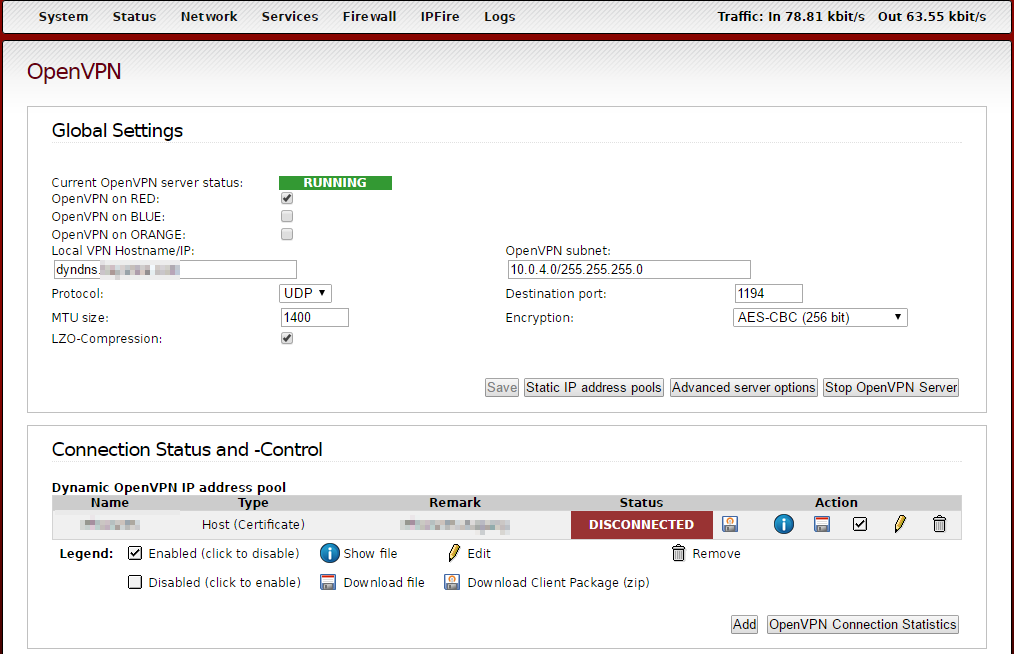
IPFire – iPXE Installation auf Alix APU1d4
Die alte Firewall wird gegen ein aktuelleres Board ausgetauscht (http://www.pcengines.ch/apu1d4.htm)
Die Installation auf die SSD war nicht so einfach wie erwartet. Laut Website soll diese automatisch erfolgen wenn man die entsprechende ISO auswählt (Flash-Image für Geräte mit serieller Konsole). Ich habe es einfach nicht hinbekommen. Auch die Auswahl anderer Images half nicht weiter. Ebenso das Kopieren des USB Sticks auf die formatierte SSD.
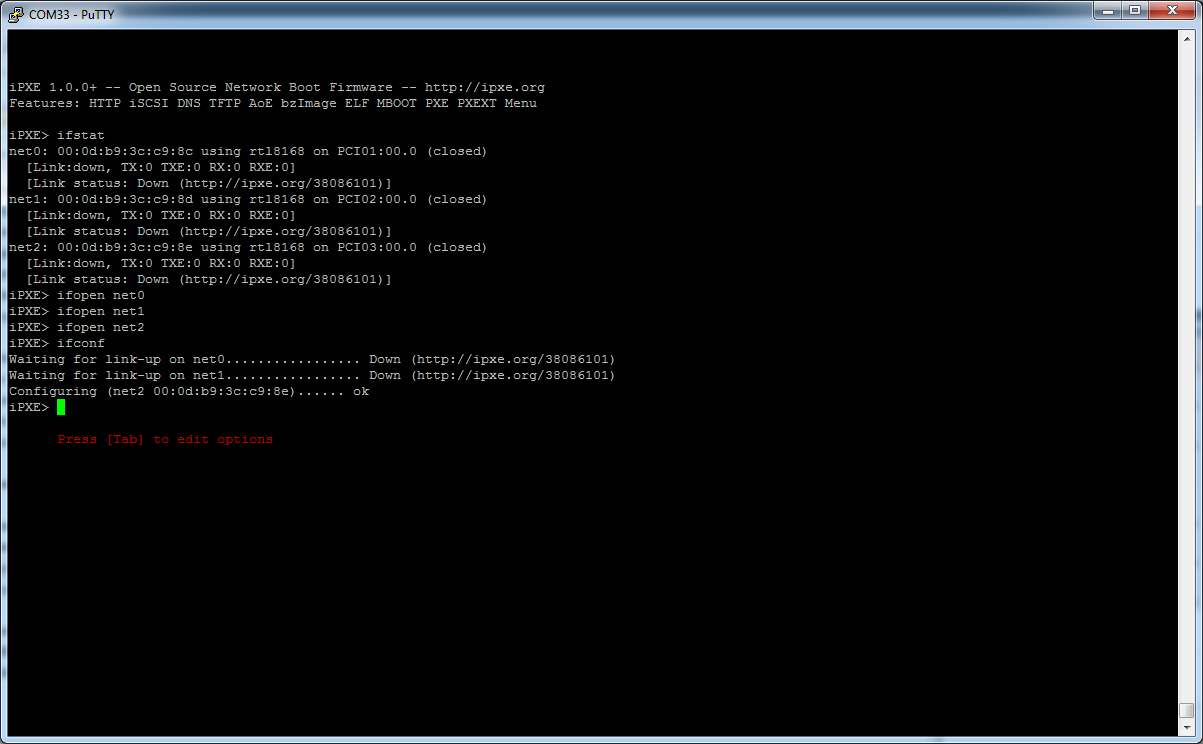
Letztendlich hat es dann mit der iPXE Installation funktioniert (ein paar Infos dazu gibt es hier: http://ipxe.org/cmd)
Zuerst sollte man sich mit Putty mit dem Board verbinden. Dann einschalten. [STRG][B]
Netzwerkanschlüsse net0 / net1 /net2 vom COM Port zu USB Port
|
1 2 3 4 5 6 7 8 9 10 11 12 13 14 15 16 17 18 19 20 21 |
iPXE> ifstat net0: 00:0d:b9:3c:c9:8c using rtl8168 on PCI01:00.0 (closed) [Link:down, TX:0 TXE:0 RX:0 RXE:0] [Link status: Down (http://ipxe.org/38086101)] net1: 00:0d:b9:3c:c9:8d using rtl8168 on PCI02:00.0 (closed) [Link:down, TX:0 TXE:0 RX:0 RXE:0] [Link status: Down (http://ipxe.org/38086101)] net2: 00:0d:b9:3c:c9:8e using rtl8168 on PCI03:00.0 (closed) [Link:down, TX:0 TXE:0 RX:0 RXE:0] [Link status: Down (http://ipxe.org/38086101)] iPXE> ifopen net0 iPXE> ifopen net1 iPXE> ifopen net2 iPXE> dhcp Configuring (net0 00:0d:b9:3c:c9:8c)...... ok iPXE> imgstat iPXE> imgfetch http://mirror0.ipfire.org/releases/ipfire-boot/latest/undionly.kpxe http://mirror0.ipfire.org/releases/ipfire-boot/latest/undionly.kpxe... ok iPXE> imgstat undionly.kpxe : 77309 bytes iPXE>boot unionly.kpxe |

IPFire – nginx reverse Proxy
Ursprünglich wollte ich Pound als Reverse Proxy nehmen. Jedoch konnte ich keine Weiterleitung auf Ports einrichten. Daher entschied ich mich dann für NGINX.
nginx mit pakfire installieren.
Dann wollen wir den gesamten externen Verkehr auf SSL umstellen. Der Einfachheit halber werden die jeweiligen Server als Virtual Host konfiguriert. Diese kommen in den sites-available Ordner und im sites-enabled per Symlink verknüpft.
|
1 2 3 |
cd /etc/nginx/ mkdir sites-available mkdir sites-enabled |
Anschließend die nginx.conf anpassen.
|
1 2 3 4 5 |
nano /etc/nginx/nnginx.conf # Virtual Hosts - am Ende der Datei einfügen include /etc/nginx/sites-enabled/*; |
IPFire Setup
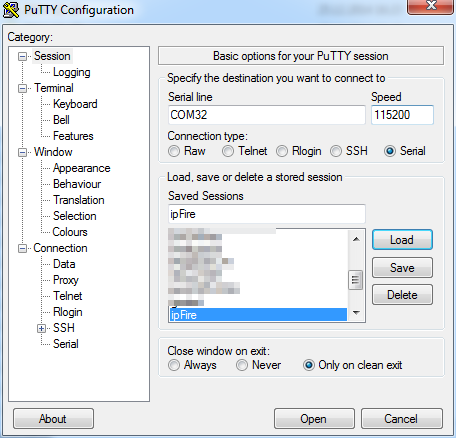
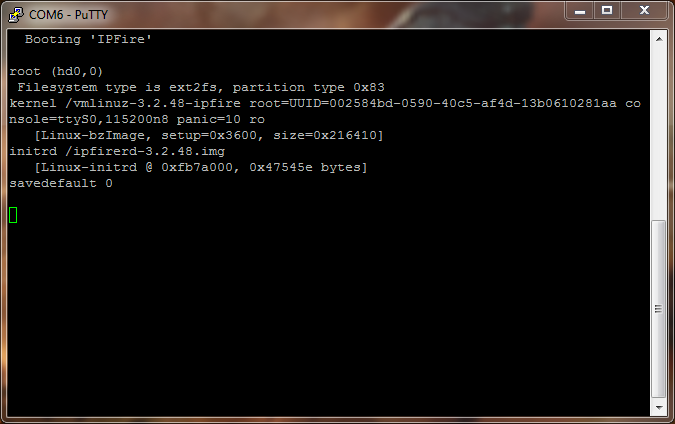
Mit Putty auf die COM Schnittstelle zugreifen. (115200 Baud)
mit den Befehlen
|
1 2 |
pakfire update pakfire upgrade |
das System aktualisieren.
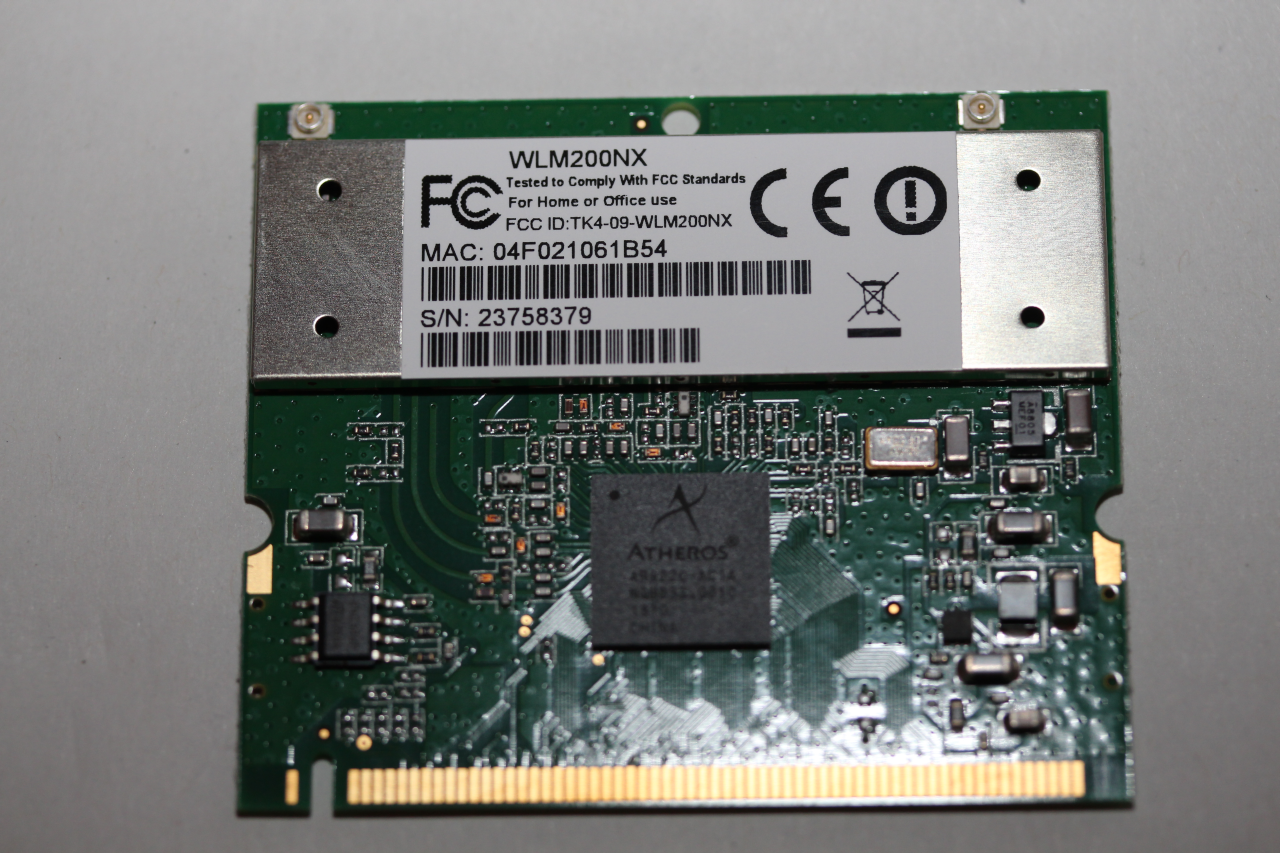
ipFire Firewall
Als Basis dient ein Alix Board (AMD Geode) mit ipFire
• CPU: 500 MHz AMD Geode LX800
• DRAM: 256 MB DDR DRAM (128 MB on alix2d19)
• Storage: CompactFlash socket, 44 pin IDE header
• Power: DC jack or passive POE, min. 7V to max. 20V
• Three front panel LEDs, pushbutton
• Expansion: 1 miniPCI slot, LPC bus
• Connectivity: 3 Ethernet channels (Via VT6105M 10/100)
• I/O: DB9 serial port, dual USB port
• Board size: 6 x 6″ (152.4 x 152.4 mm) – same as WRAP.1E
• Firmware: tinyBIOS
Mehr Infos und schematics unter diesem Link